Video Frame Extractor
Extract frames from video with our free online video frame extractor. This powerful video frame extractor supports virtually all video containers including MP4, WebM, MOV, AVI, MKV, and FLV. Our video frame extractor also handles all major codecs like H.264, H.265/HEVC, VP9, and AV1. Convert video to frames and export in your choice of JPG, PNG, or WebP format. The video frame extractor runs entirely in your browser - your videos never leave your device, ensuring complete privacy while you extract frames from video.
Drop your video here
or click to browse from your device
MP4, MOV, AVI, MKV, FLV, WebM, and 50+ formats supported
Broad Compatibility
Support for comprehensive array of video formats and codecs
Verified support for all major video formats
Understanding Video Frame Extraction
Learn how our video frame extractor converts video to frames and why frame extraction is useful for various applications
Video
A video is a sequence of individual images called frames, displayed in rapid succession to create the illusion of motion. Videos come in various container formats (MP4, WebM, MOV, AVI, MKV) and use different codecs (H.264, H.265, VP9, AV1) to compress the frame data. Our video frame extractor supports all these formats and codecs.
Frames
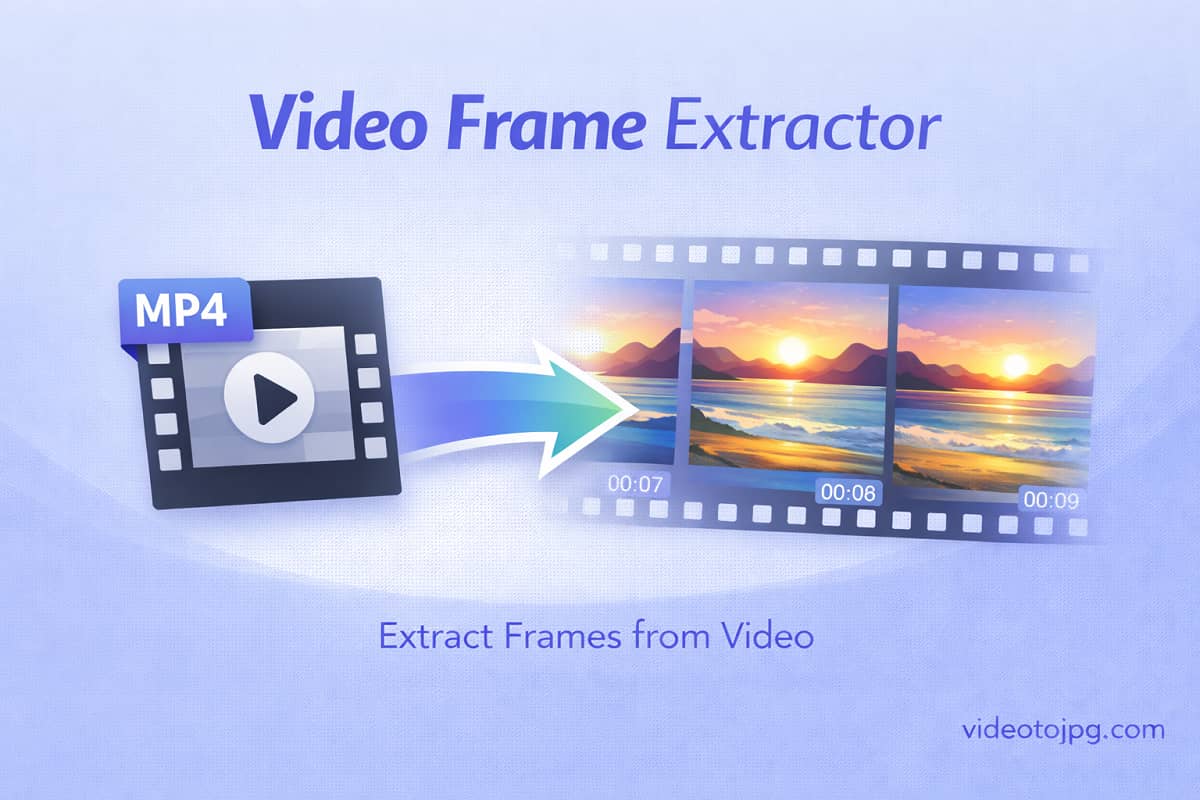
Frames are the individual still images that make up a video. When you extract frames from video, you capture these individual images as separate files. Each frame represents a single moment in time, typically displayed for 1/24th to 1/60th of a second in the original video. The video frame extractor lets you save these frames as JPG, PNG, or WebP images.
Why Extract Frames from Video?
Using a video frame extractor to convert video to frames opens up countless possibilities. Extract the perfect thumbnail for video platforms, capture key moments for documentation, analyze motion frame-by-frame, or create image galleries from video content. Our video frame extractor supports all video containers and codecs, making it easy to extract frames from any video file.
Popular Video Frame Extractor Use Cases
Discover how professionals use our video frame extractor to extract frames from video
Video Thumbnail Creation
Use the video frame extractor to capture the perfect thumbnail for your videos. Extract frames from video at key moments to create eye-catching preview images that increase click-through rates on video platforms and social media.
Documentation & Tutorials
Extract frames from video to create step-by-step guides and documentation. Our video frame extractor makes it easy to capture specific moments from instructional videos for use in manuals, training materials, and how-to articles.
Motion Analysis
Analyze movement frame-by-frame using the video frame extractor. Athletes, researchers, and professionals use video to frames conversion to study motion, technique, and performance in detail that's impossible to see in real-time playback.
Content Creation
Convert video to frames for social media posts, blog images, and marketing materials. The video frame extractor helps content creators capture stunning stills from their video content for use across multiple platforms and formats.
Quality Control
Use the video frame extractor to inspect video quality at the frame level. Extract frames from video to check for artifacts, compression issues, or other quality problems that may not be visible during normal playback.
Archive & Preservation
Extract key frames from video for archival and preservation purposes. Our video frame extractor supports all legacy and modern codecs, making it perfect for creating visual indexes of video archives and preserving important moments as high-quality images.
How the Video Frame Extractor Works
Our video frame extractor makes it easy to extract frames from video in just a few clicks. The video frame extractor supports all video formats and codecs, so you can convert video to frames from any source file.
Upload Video to Frame Extractor
Configure Frame Extraction Settings
Extract Frames from Video
Download Your Extracted Frames
All processing happens directly in your browser. Your videos are never uploaded to our servers.
Video Frame Extractor FAQ
Common questions about our video frame extractor and how to extract frames from video
Our video frame extractor supports virtually all video container formats including MP4, WebM, MOV, AVI, MKV, FLV, 3GP, MPEG, WMV, and many more. The video frame extractor also handles all major codecs like H.264/AVC, H.265/HEVC, VP8, VP9, AV1, MPEG-4, and H.263. If your video plays on any device, our video frame extractor can extract frames from it.
To extract frames from video, simply upload your video file to the video frame extractor, navigate to the frame you want to capture, and click the capture button. You can also use batch mode to automatically extract frames from video at regular intervals. The video frame extractor handles all the processing directly in your browser.
Yes! Our video frame extractor fully supports H.265/HEVC encoded videos. Even though most browsers cannot play HEVC natively, the video frame extractor uses FFmpeg WebAssembly to decode and extract frames from video encoded with HEVC or any other codec. You'll see 'FFmpeg Mode' when processing these videos.
The video frame extractor supports three output formats: JPG produces smaller file sizes and is perfect for web use and social media. PNG offers lossless quality for when you need pixel-perfect frames. WebP provides excellent compression with good quality for modern web applications. Choose the format that best suits your video to frames conversion needs.
There is no limit on the number of frames you can extract from video using our video frame extractor. Since all processing happens in your browser, you can extract as many frames as needed. The video frame extractor supports both individual frame capture and batch extraction for converting video to frames efficiently.
Use the batch mode feature in our video frame extractor to convert video to frames automatically. Set the interval (by time or percentage) and click start. The video frame extractor will automatically extract frames from video at your specified intervals. You can then download all extracted frames as a ZIP file.
No, absolutely not. Our video frame extractor processes everything entirely in your browser using WebAssembly technology. Your video files never leave your device when you extract frames from video. This ensures complete privacy and security for all your video content.
The video frame extractor can handle videos of any resolution, from standard definition to 4K and beyond. You can extract frames from video at the original resolution or specify a custom output width. The video frame extractor automatically maintains the correct aspect ratio for your extracted frames.
Yes, the video frame extractor works on modern mobile browsers including Safari on iOS and Chrome on Android. However, for large video files and extensive batch frame extraction, we recommend using a desktop browser for the best video frame extractor experience due to mobile memory constraints.
There are many reasons to extract frames from video: creating thumbnails for video platforms, capturing stills for documentation or tutorials, analyzing video content frame-by-frame, creating promotional images, generating preview galleries, and more. Our video frame extractor makes all these use cases easy with its comprehensive video to frames conversion capabilities.
Ready to Extract Frames from Your Videos?
Join thousands of users who trust our video frame extractor for fast, secure, and high-quality frame extraction. No signup required.
Free forever. Works entirely in your browser.